News and Blog Postings from the EnterMedia DAM team.

EnterMedia Release Notes for March 2010, more Video Support

Release notes for EnterMedia Media Asset Management

March 12, 2010 - EnterMedia 6.706

New Video Player

EnterMedia is now using FlowPlayer (flowplayer.org) to better support previewing of video assets. If you upload a video, EnterMedia will now generate:
1. A series of still thumbnails to be displayed on results pages. If you hover your mouse over the thumbnail of a video, it will begin to
cycle through this series of still images.
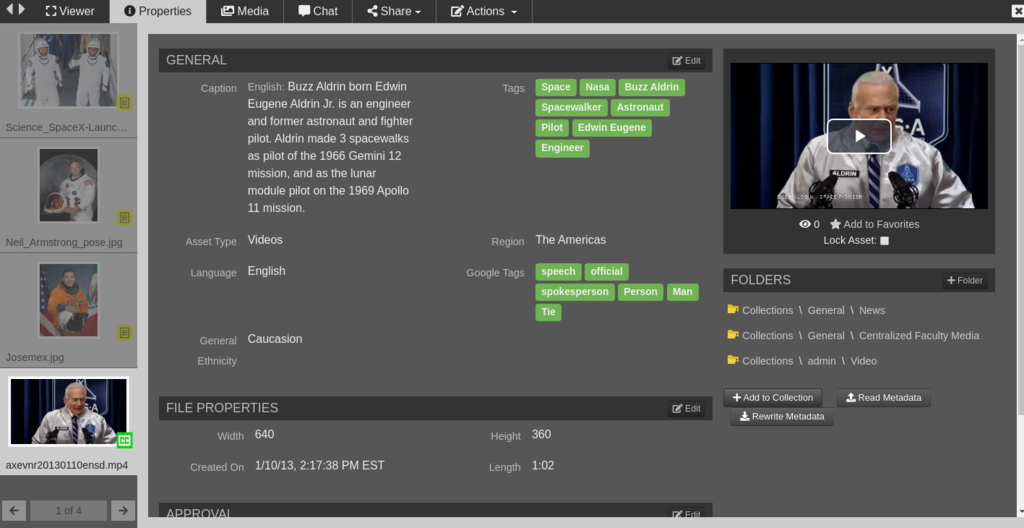
2. A flash version of the video for previewing. By clicking on the thumbnail you will be taken to the Media Viewer page where you will be
able to watch the entire flash version of the video!
3. Ability to import from YouTube or external URL to an asset or video file


Note: Generating thumbs and flash versions of videos requires ffmpeg (ffmpeg.org) to be installed and configured correctly to work with EnterMedia. For more information on this, see our installation
instructions here: http://entermediasoftware.com/docs/ApendixA/index.html

User Interface

The application has a new nicer looking header and easier navigation. In an effort to simplify our results page, we have removed all of the icons displayed under thumbnails. This gives a cleaner appearance and allows us to fit more thumbnails on a single results page. All of the actions that were previously available via icons below thumbnails are not available on the Media Viewer page, which is accessed by clicking on any thumbnail.

We also changed our image hover functionality. Previously the enlarged hover image would follow your mouse around until your pointer left the thumbnail. Apparently people found this irritating, so we changed it! The hover will now stay centered above the thumbnail and shows the item name and selection groups. For anyone who is still annoyed by the image hover functionality, you can set your preferred view to "Gallery-No Hover". See "View Settings" below for information on setting your view preferences.

Security Improvements
Catalogs now has asset and folder level security enabled by default. Also improved the security editor on the catalog settings page.

Collections
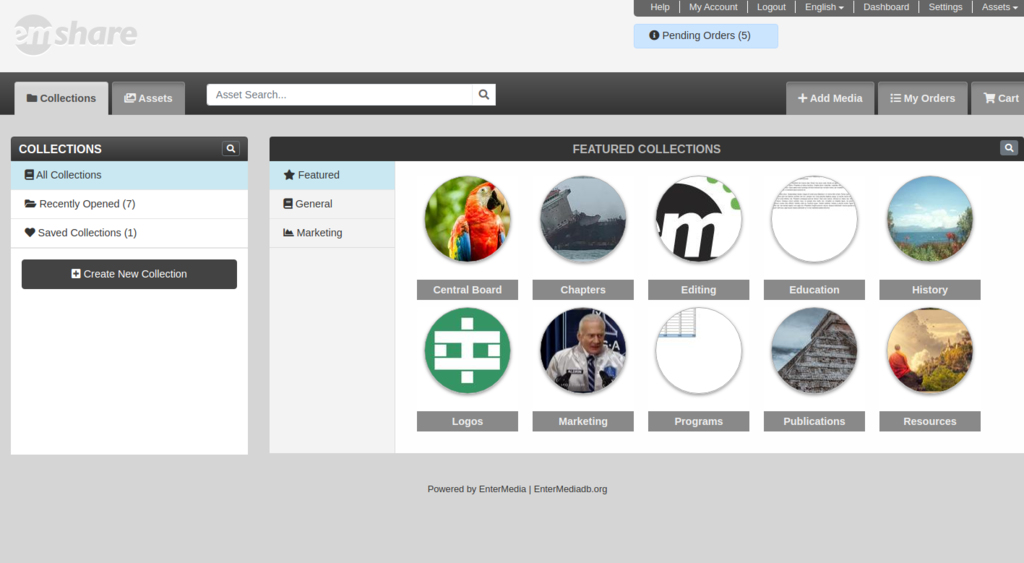
Assets can now be added to groups of collections. A collection gives you a way to show off your best or most recent assets.

View Settings
We also removed the hits-per-page, view, and sorting dropdowns from the results header. These settings are now accessible from the "view" button in the results header. This button will give you a pop-up which allows you to set your results view preferences based on the type of results you are seeing: Category (browsing), Search, Album, or Selection.

Selecting Improvements
The new clipboard groups are designed to help users sort their media. Once you have added a group of similar items into a clipboard group, you can then categorize or keyword all of those items at once using multi-edit, or you can add the items to a posting to share it with your friends. We have tried to make these clipboard a little easier to use so that everyone can take full advantage of their capabilities. To that end, we have added Drag and Drop functionality! From a results page, you can now drag and drop a thumbnail into a clipboard group box to add that item. You can also add a single item to a selection group using the check boxes that appear in the hover image, or you can add an entire page of results to a selection group by clicking the "Clipboards" button in the results header.

Share with Facebook
We have added a button on the Media Viewer page that will share an item with Facebook!

Voting
From the MediaViewer page, you can now click the star button to indicate that you like that photo/video/whatever. You can even see a list of other users who like a given item.

New Uploader
We have a new, fancier-than-ever upload applet. You can now upload multiple items, or even an entire folder, all at once. EnterMedia will immediately create assets for each item being uploaded, allowing you to begin sorting or editing the meta-data associated with your uploads. You will see an indicator in the top-right corner showing your current uploads. You can click on this indicator to see the progress of your current uploads. Thumbnails will be created for your new assets as the uploads complete. (You will need to be navigating around the site, or at least refreshing your page before you will actually see the images.)

Download EnterMedia

Visit the EnterMedia website entermediasoftware.com

Use EnterMedia to centralize, approve, publish and collaborate all of your digital media!

Log in or post as Anonymous:

Submission test: 0+5=